Embark on a journey of website creation with ‘How to Build a Website with WordPress: 5 Steps to Creating a WordPress Website’ as your guide. Discover the key elements, installation process, customization tips, and more in this comprehensive Artikel.
Planning Your Website
When creating a WordPress website, careful planning is essential to ensure its success. Here are key elements to consider:
Setting Clear Goals
- Define the purpose of your website: Whether it’s to showcase your portfolio, sell products, or share information.
- Identify your target audience: Understand who will be visiting your site and tailor your content to meet their needs.
- Establish measurable objectives: Determine what you want to achieve with your website, such as increasing traffic or generating leads.
Choosing a Domain Name and Hosting Provider
- Select a domain name that is relevant to your website’s content and easy to remember.
- Research hosting providers to find one that offers reliable service, good customer support, and the features you need.
- Consider factors like storage space, bandwidth, security features, and scalability when choosing a hosting plan.
Installing WordPress
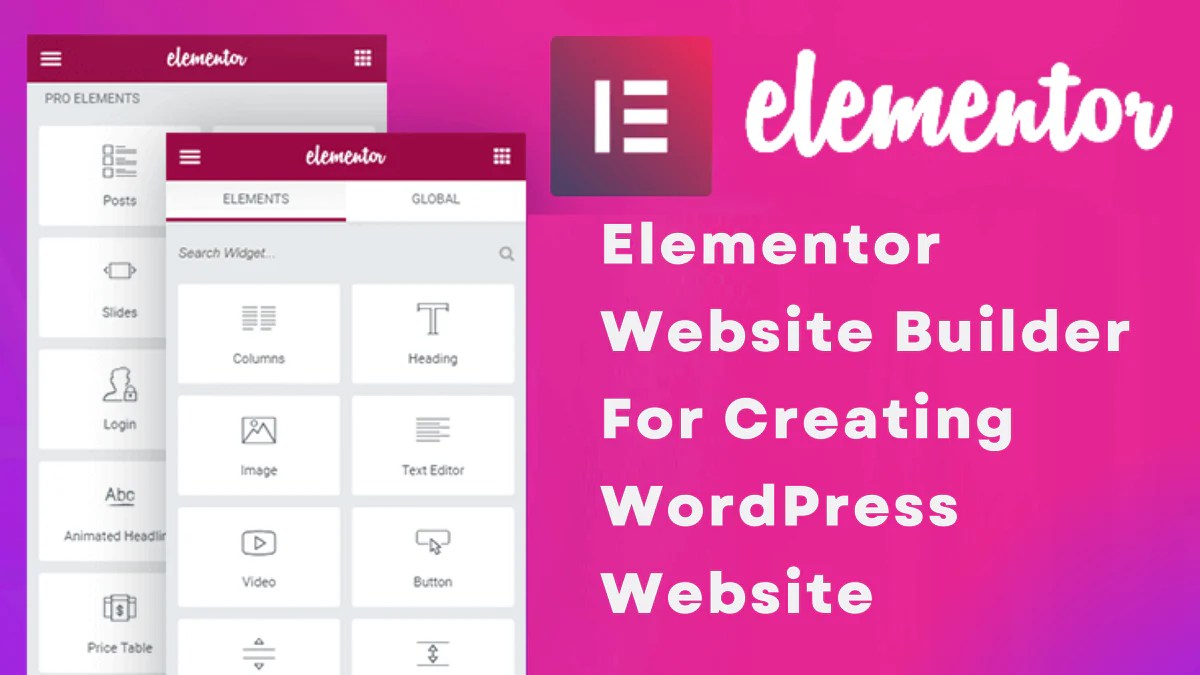
When it comes to building a website with WordPress, the first step is to install the WordPress software on your hosting server. This process is essential to get your website up and running smoothly.
WordPress offers two main options for users: WordPress.com and WordPress.org. It’s important to understand the difference between the two before proceeding with the installation process.
WordPress.com vs. WordPress.org
WordPress.com is a platform where you can create a website for free, but it comes with limitations in terms of customization and control. On the other hand, WordPress.org offers the self-hosted version of WordPress, allowing users to have full control over their website and customize it as they please.
Benefits of Using a Self-Hosted WordPress Website
- Full control and customization: With a self-hosted WordPress website, you have the freedom to customize your site with themes, plugins, and code modifications.
- Professionalism: A self-hosted WordPress website gives off a more professional look and feel compared to a WordPress.com site.
- Monetization options: You have the ability to monetize your self-hosted website through ads, affiliate marketing, and other revenue streams.
- benefits: Self-hosted WordPress websites tend to perform better in search engine rankings due to the flexibility and control over settings.
- Scalability: Self-hosted WordPress websites can easily scale as your business or online presence grows, allowing for seamless expansion.
Customizing Your Website
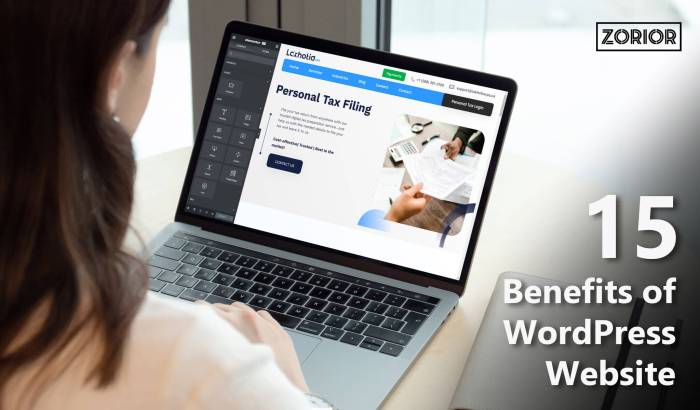
When it comes to customizing your WordPress website, there are several key aspects to consider in order to create a unique and visually appealing site that meets your needs. This includes exploring different WordPress themes, understanding how to customize them using the WordPress Customizer, and ensuring your design is responsive for mobile users.
Exploring WordPress Themes
WordPress offers a wide range of themes that can significantly impact the overall design and functionality of your website. It’s essential to choose a theme that aligns with your brand identity and goals. Take the time to browse through different themes and consider factors such as layout, color scheme, and customization options.
Customizing Themes with the WordPress Customizer
The WordPress Customizer is a powerful tool that allows you to make changes to your theme in real-time. From adjusting colors and fonts to rearranging elements on the page, the Customizer gives you full control over the look and feel of your website. Experiment with different options until you achieve the desired design that reflects your brand and engages your audience.
The Importance of Responsive Design
In today’s digital age, more users are accessing websites on mobile devices than ever before. It’s crucial to ensure that your website design is responsive, meaning it adapts seamlessly to different screen sizes and devices. A responsive design not only provides a better user experience but also helps improve your site’s rankings and overall accessibility.
Outcome Summary
As we wrap up the discussion on creating a WordPress website, remember the importance of planning, installation, and customization. With these five steps, you’re well on your way to a successful website.